10 Essential AI Tools for Students in 2026: Work Smarter, Not Harder
Artificial Intelligence is no longer just a shortcut; it is an essential academic companion. Here is how to build your perfect student AI toolkit.
1. ChatGPT (OpenAI)
Visit ChatGPT →Best use in a student workflow
ChatGPT remains the Swiss Army knife of AI. For students, its best use is not writing essays—it is brainstorming and unblocking.
Stuck on a blank page? Feed ChatGPT your raw notes and ask it to generate three potential essay outlines. Struggling with a complex concept like quantum mechanics or macroeconomic theory? Ask it to "explain this concept like I am a high schooler." It acts as a 24/7 personalized tutor that helps you synthesize raw information into structured thoughts.
2. Microsoft Copilot
Visit Copilot →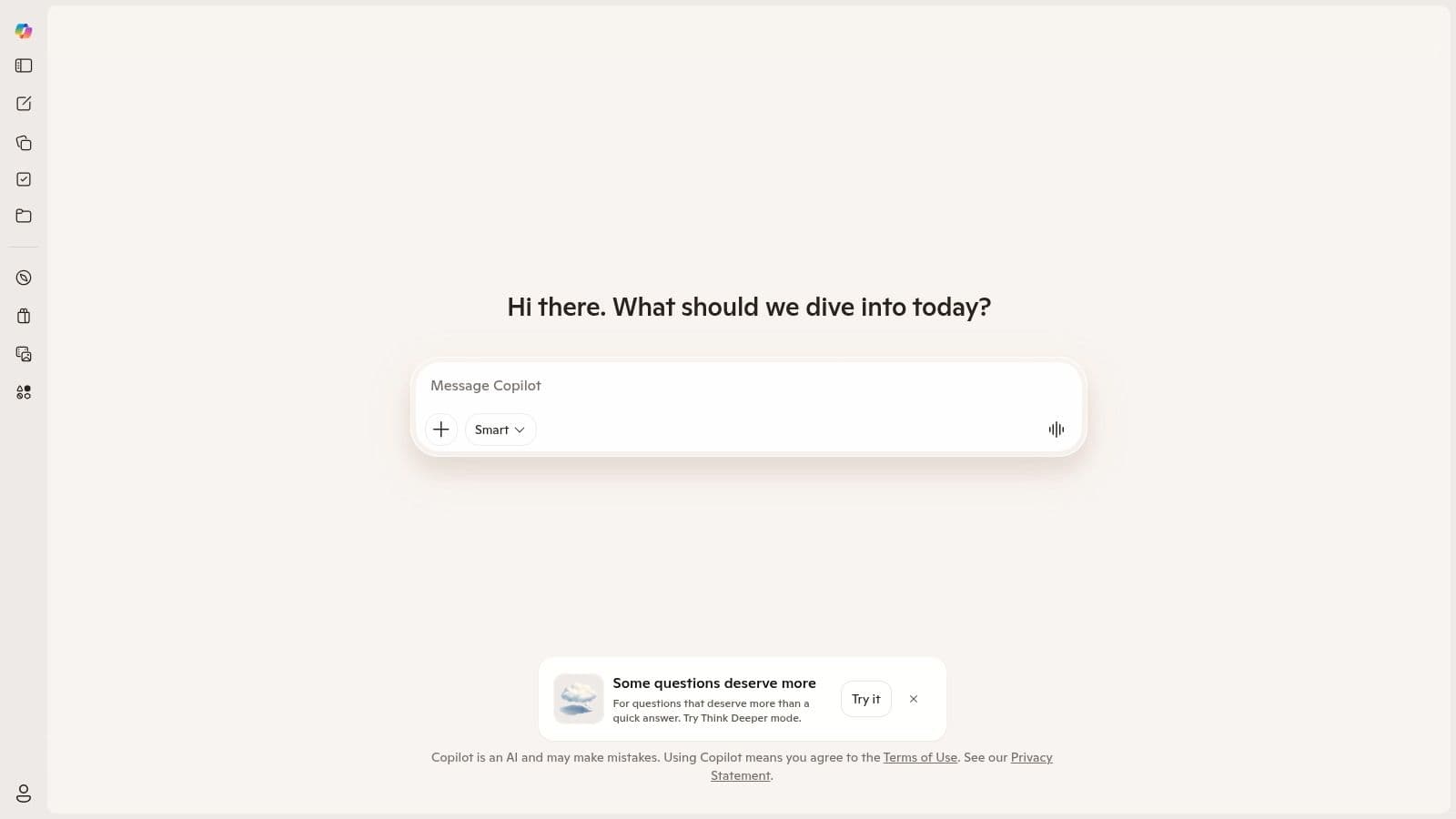
Where it fits best
Copilot shines exactly where students spend most of their time: inside the Microsoft Office suite.
It fits best during the production phase of assignments. If you have a 10-page research paper in Word, you can ask Copilot to draft a PowerPoint presentation based directly on that document. It pulls your exact text, formats slides, and creates speaker notes. It is the ultimate tool for turning written research into presentation-ready formats in minutes.
3. Google Gemini
Visit Gemini →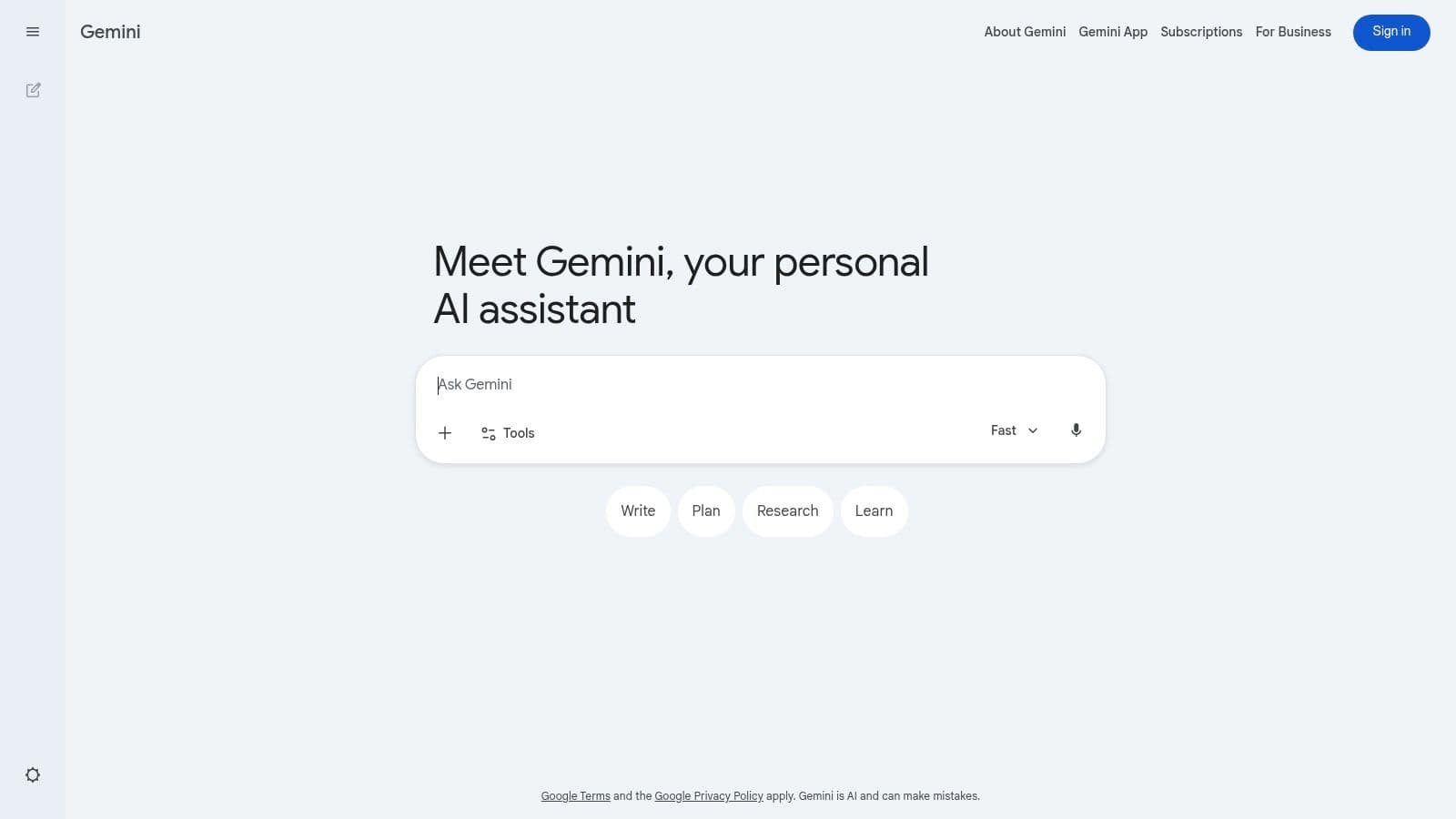
Best for Google-first students
If your university relies on Google Workspace (Docs, Drive, Gmail), Gemini is your native copilot.
Its absolute superpower is its ability to interact with your Google Drive. You can ask Gemini to "summarize the three PDF syllabi in my 'Fall 2026' folder and create a combined study schedule in Google Sheets." It eliminates the friction of copying and pasting text, allowing you to query your own personal academic database seamlessly.
4. Consensus
Visit Consensus →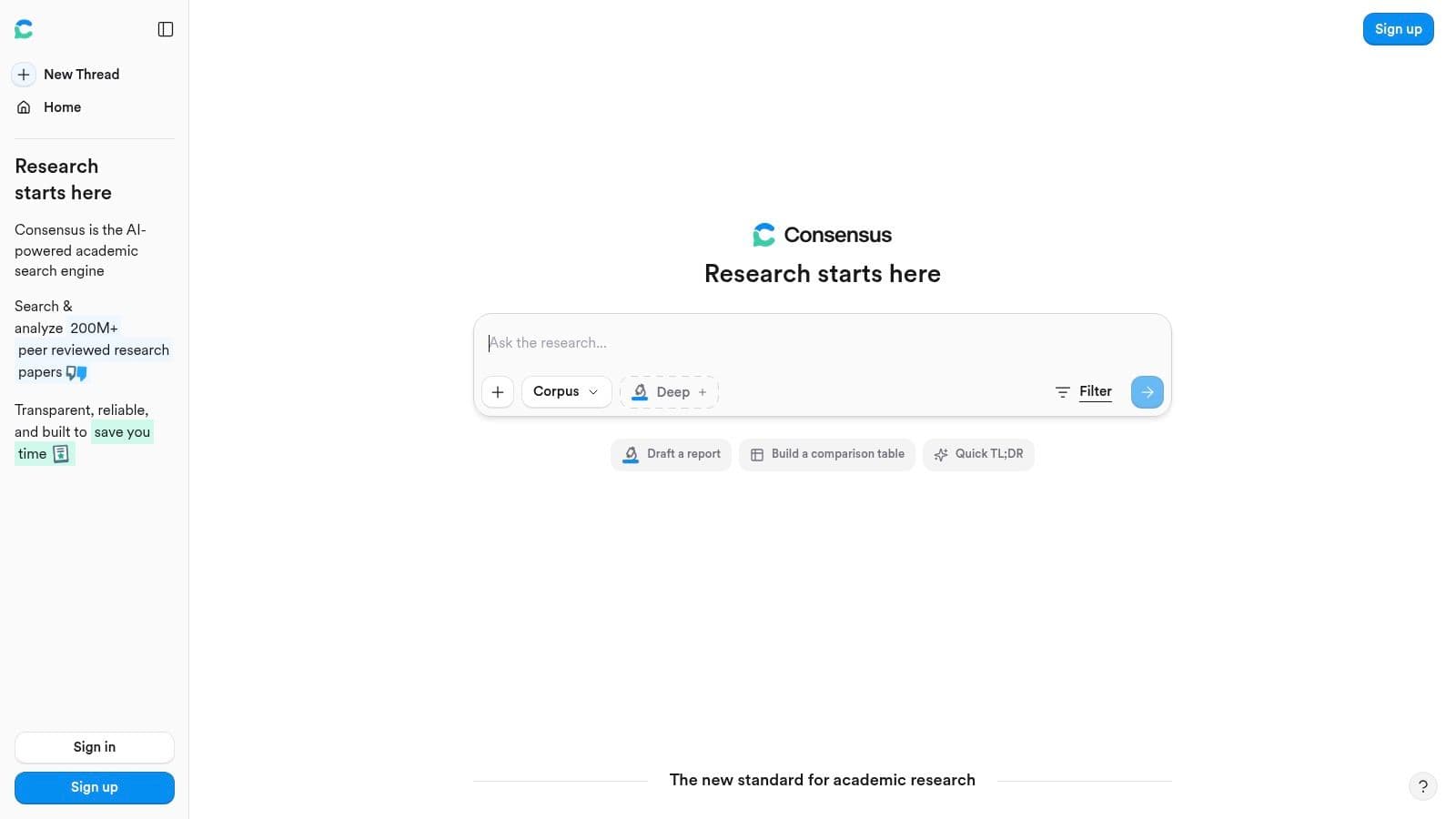
When to use it instead of a chatbot
Standard chatbots can hallucinate fake academic citations. When you need rigorous, peer-reviewed evidence, you switch to Consensus.
Use Consensus when you are writing the literature review of a thesis or research paper. You ask a direct question (e.g., "Does sleep deprivation affect academic performance?"), and it scans millions of scientific papers to give you an aggregated answer, complete with real, clickable citations and links to the original journals. It is your AI research assistant.
5. Perplexity
Visit Perplexity →The right way to use it
Perplexity is an "answer engine," not a conversational bot. It searches the live web and synthesizes answers with inline footnotes.
The right way to use it is for current events, statistics, and rapid fact-checking. Instead of scrolling through Google search results for "impact of 2025 AI regulations on European universities," ask Perplexity. It will give you a well-structured summary with verifiable links. Always click the citations to ensure the source is credible before citing it in your homework.
6. Grammarly
Visit Grammarly →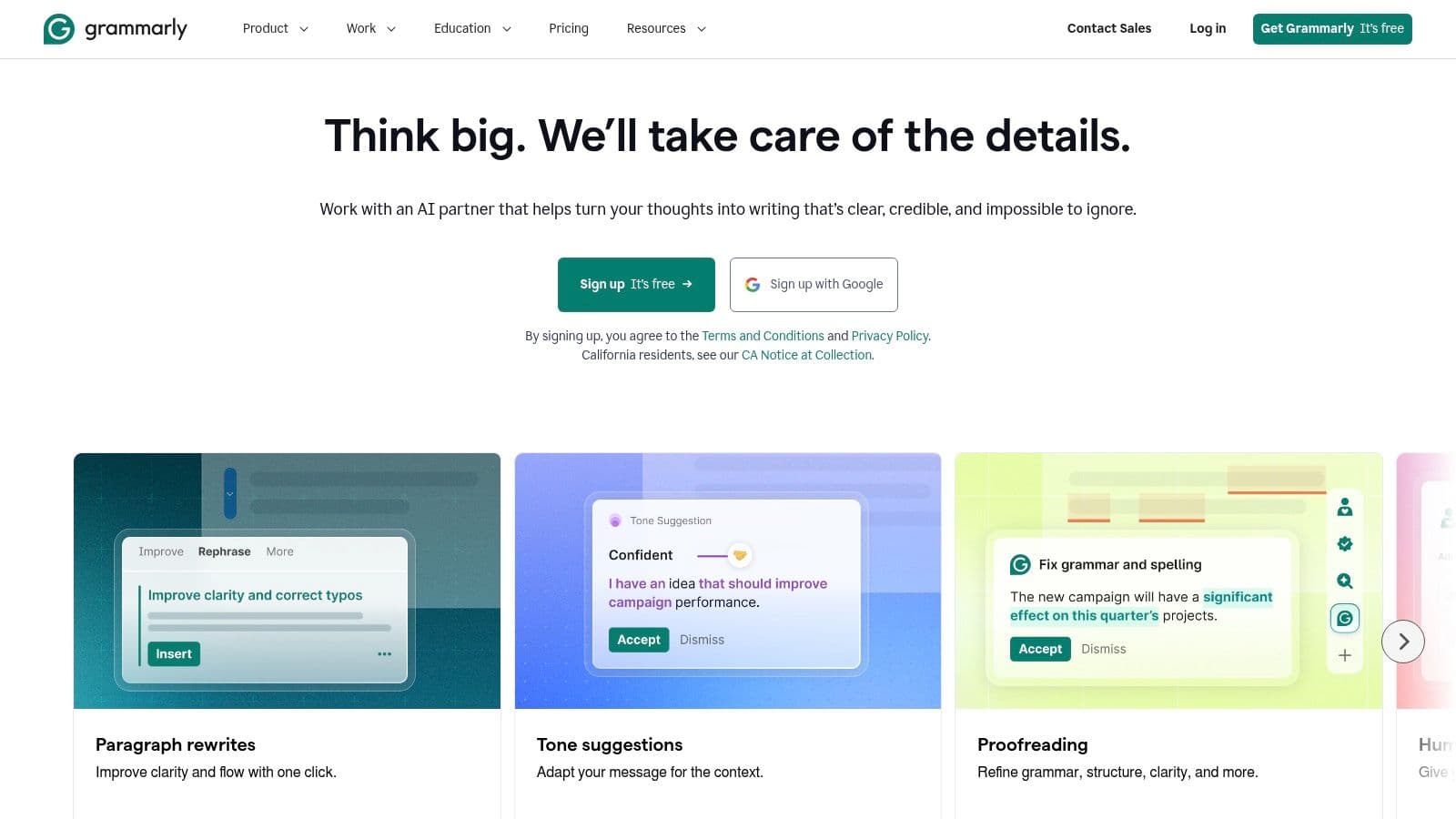
What it fixes well
While LLMs generate content, Grammarly refines *your* authentic voice. In 2026, it is deeply infused with AI to go beyond simple spell-check.
It fixes syntax, tone, and clarity exceptionally well. If you tend to write overly complex, run-on sentences in your essays, Grammarly will restructure them for readability. It also ensures your emails to professors strike the right balance between professional and polite, saving you from accidental academic faux-pas.
7. DeepL Translator and DeepL Write
Visit DeepL →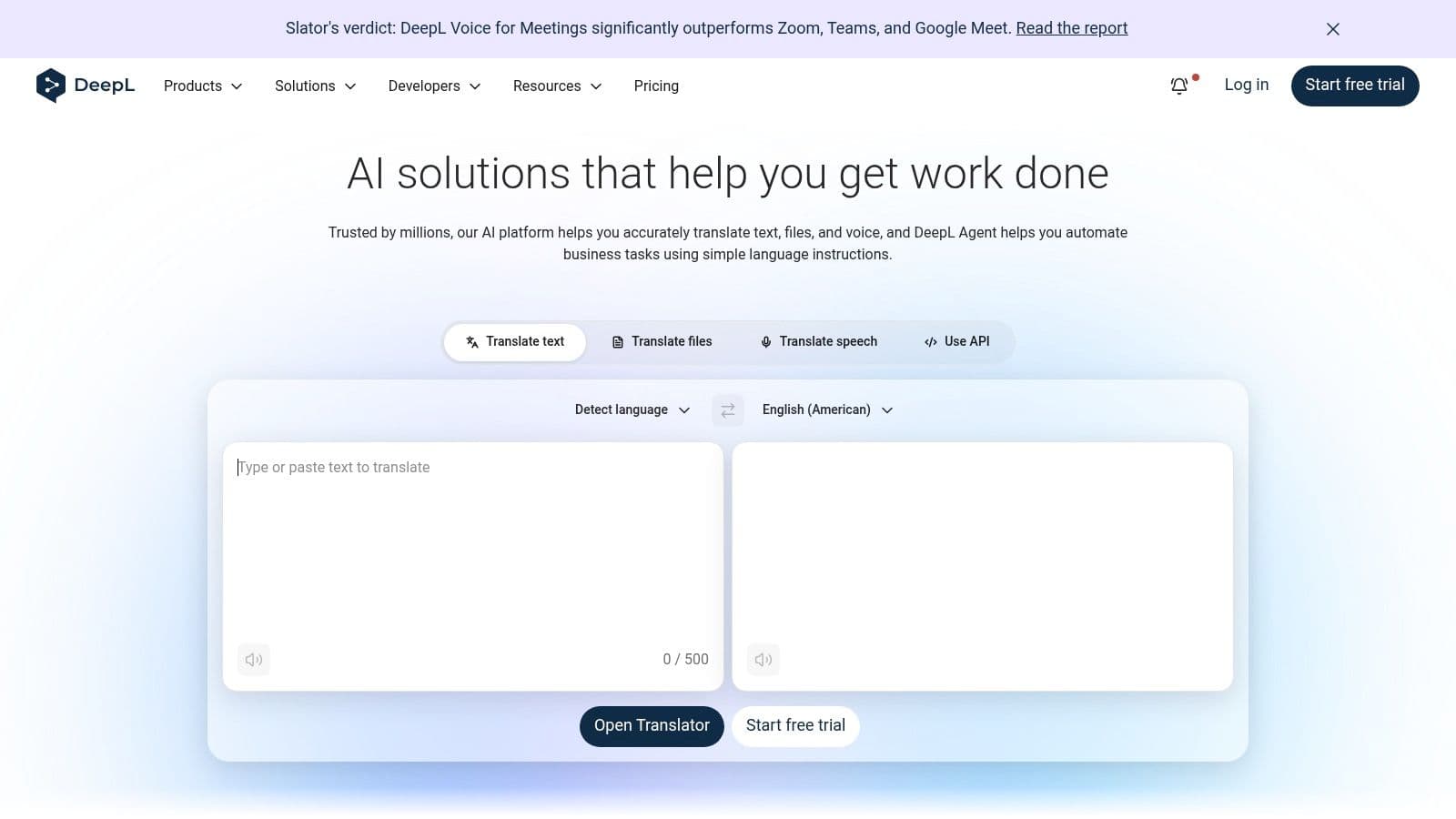
Best use cases
DeepL remains the undisputed king of nuanced, context-aware translation, outperforming standard tools by capturing academic phrasing perfectly.
Its best use case is for international students or language majors. Use DeepL Write to refine your academic prose so it sounds natural in the target language. It does not just translate; it suggests idiomatic expressions and adjusts the formality level, making it indispensable for studying abroad or submitting papers in a second language.
8. GitHub Copilot
Visit GitHub Copilot →
How to avoid lazy coding with it
For computer science students, GitHub Copilot is magic. However, it can easily become a crutch that prevents you from learning core logic.
To avoid lazy coding, do not let it write your architecture. Use it strictly as a smart autocomplete for boilerplate code, CSS styling, or regex formulas. When Copilot suggests a block of logic for a sorting algorithm, reject it, write it yourself, and *then* ask Copilot in the chat window to review your code for efficiency. Use it as a reviewer, not an author.
9. Photomath
Visit Photomath →Best for practice not submission
Now backed by powerful AI vision models, Photomath can solve complex calculus and algebra problems just by pointing your phone camera at your textbook.
The golden rule: use it to reverse-engineer the steps, not to copy the final answer. If you are stuck on a derivative, scan it, hide the final answer, and study the step-by-step breakdown. It is a phenomenal self-correction tool for late-night study sessions when the math tutoring center is closed.
10. NovaPrompt
Visit NovaPrompt →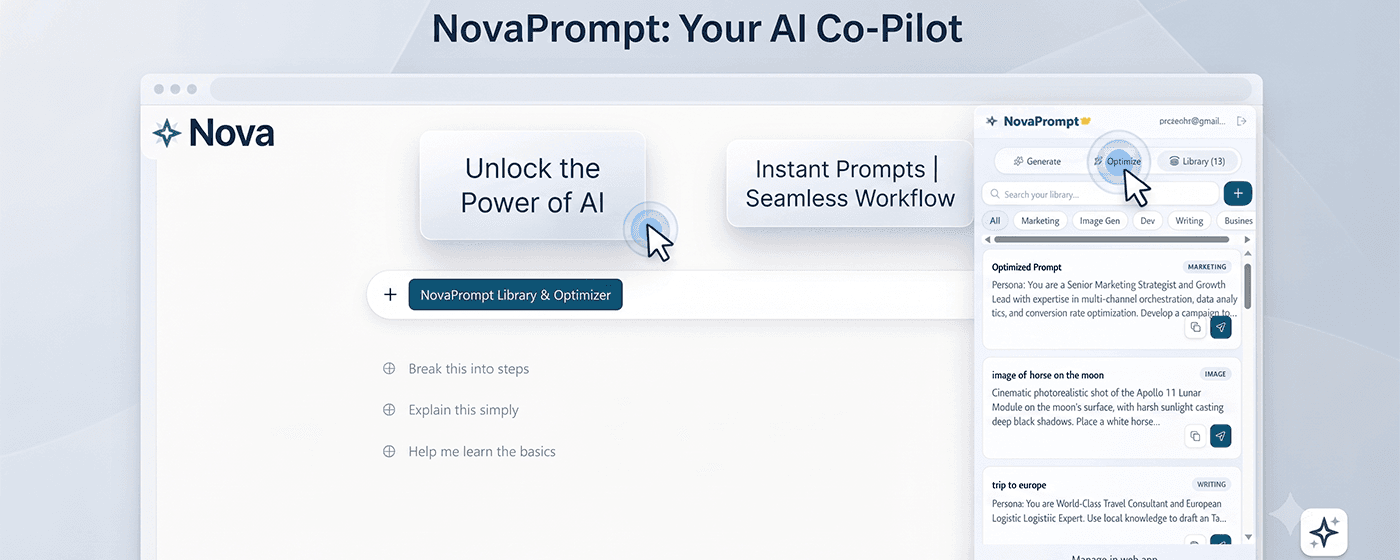
Knowing how to use ChatGPT or Claude is useless if your prompts are weak. NovaPrompt is the ultimate browser extension designed to store, optimize, and execute your AI instructions flawlessly.
- Generate & Optimize: AI tools to rewrite your basic instructions into high-performance engineering prompts.
- Ready-to-use Library: Access pre-built academic templates (thesis outlines, study guides).
- Saved Library: Cloud-synced across all your devices so you never lose your best prompts.
- Export to PDF: Package your entire prompt workflow into a neat PDF to share with study groups.
Why this matters more than students think
By 2026, universities are not testing if you know facts; they are testing your ability to orchestrate AI. Prompt engineering is the new coding. If you are typing the same "summarize this text" prompt every day, you are losing hours of productivity. NovaPrompt turns your browser into a centralized command center, allowing you to deploy complex, multi-step instructions with a single click.
What works and what does not
What works: Using NovaPrompt's "Optimize" feature to turn a vague request like "help me write a history essay" into a structured, constraint-based prompt that sets tone, format, and citation requirements before sending it to ChatGPT.
What does not: Saving messy, one-line prompts in the library. A prompt management tool is only as good as the instructions you feed it. Take the time to refine your academic prompts before saving and syncing them.